Beyond Binary: How Elite RLCS Players Master Analog Boost Control to Dominate Aerial Duels
Beyond Binary: How Elite RLCS Players Master Analog Boost Control to Dominate Aerial Duels
Watch any RLCS match closely and you'll notice something subtle but game-changing: the best players don't just press boost—they modulate it. While Diamond and Champion players treat boost as a binary input (full throttle or nothing), pros like Jstn, Fairy Peak, and Zen have developed a completely different relationship with their triggers that gives them microscopic control over their aerial movements.
This isn't just theory. It's a fundamental mechanical advantage that's hiding in plain sight.
The Analog Advantage That's Been There All Along
Most Rocket League players don't realize that boost input is analog, not digital. Your controller can detect varying levels of trigger pressure, but the default deadzone and sensitivity settings essentially turn this precision tool into a blunt instrument.
"I spent three years playing like boost was either on or off," explains a Grand Champion player who recently made the jump to SSL after adjusting their trigger configuration. "Once I learned to feather boost pressure, my aerial control became surgical. I could make micro-adjustments that were impossible before."
The technical explanation is straightforward: when you configure your trigger deadzones correctly, light pressure gives you minimal boost output while full pressure delivers maximum thrust. This creates a spectrum of boost control that elite players exploit for:
- Precise aerial positioning in 50/50 duels
- Boost-efficient rotations that maintain momentum
- Subtle speed adjustments during wall-to-air transitions
- Fine-tuned landing control after aerial plays
How Pros Configure Their Triggers for Maximum Control
The key lies in deadzone manipulation. Most players leave their trigger deadzones at default settings, which creates a large "dead space" before any input registers, followed by a sharp jump to significant boost output.
Top RLCS players configure their systems differently:
Lower Deadzone Threshold: Pros typically run trigger deadzones between 0.05-0.15, compared to the default 0.25-0.30 range. This means lighter pressure registers as input.
Gradual Sensitivity Curve: Instead of a linear boost response, many pros use controller software to create custom curves that provide more granular control in the lower pressure ranges.
Physical Modifications: Some players modify their controllers with trigger stops or different spring tensions to achieve the exact feel they want.
The PlayStation vs Xbox Controller Divide
Controller choice matters more than most players realize when it comes to analog boost control.
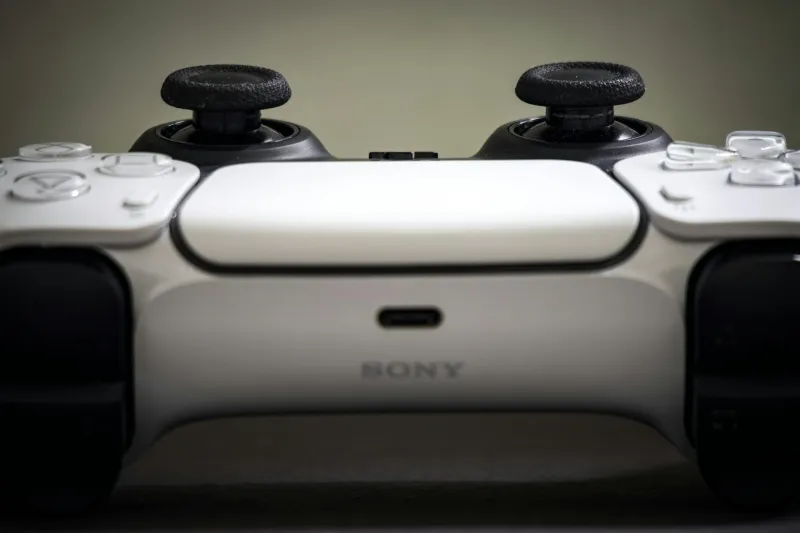
PlayStation Controllers: The DualSense and DualShock 4 have naturally more sensitive triggers with better analog range. Many pros prefer these for the superior trigger feel, even when playing on PC.
Xbox Controllers: While the Xbox controller has excellent build quality, the trigger response curve is less ideal for analog boost control out of the box. However, with proper software configuration, Xbox controllers can match PlayStation performance.
"I switched from Xbox to PlayStation controller specifically for boost control," notes a rising RLCS player. "The difference in trigger sensitivity was immediately noticeable in my aerial game."
Testing Your Current Setup: The 5-Minute Diagnostic
Before adjusting anything, test your current trigger response:
- Free Play Test: Go into free play and practice applying varying pressure to your boost trigger while airborne
- Boost Meter Observation: Watch your boost meter—does it show gradual decrease with light pressure, or does it jump immediately to rapid consumption?
- Aerial Control Assessment: Try making small aerial adjustments using only light boost pressure
If you can't achieve smooth, gradual boost output, your deadzones need adjustment.
The Configuration Process: Step-by-Step
For Steam Users:
- Open Steam Big Picture mode
- Navigate to Controller Settings
- Select your controller configuration
- Adjust trigger deadzone to 0.10-0.15
- Test in-game and fine-tune
For Console Players:
PlayStation: Use the controller's built-in trigger sensitivity, but consider third-party software for deeper customization Xbox: Utilize Xbox Accessories app to adjust trigger curves and deadzones
Advanced Users:
Consider software like reWASD or DS4Windows for complete control over trigger response curves and deadzone mapping.
The Mechanical Impact: Why This Changes Everything
Once you master analog boost control, several mechanical improvements become possible:
Aerial Micro-Adjustments: Instead of binary boost bursts that can over-correct your positioning, you can make tiny adjustments that keep you on target.
Boost Efficiency: Light boost pressure maintains momentum without wasting boost, crucial for maintaining pressure in competitive matches.
Landing Control: Variable boost output helps you control your landing trajectory more precisely, setting up better recoveries.
Wall Play Enhancement: Subtle boost control makes wall-to-air transitions smoother and more predictable.
Common Mistakes When Implementing Analog Boost
The biggest error is going too aggressive with deadzone reduction. Start conservative (0.20) and gradually lower the threshold as you adapt. Too sensitive initially will make your boost control erratic.
Second mistake: not practicing the new muscle memory. Analog boost control requires retraining your trigger finger pressure sensitivity. Expect a temporary rank dip while you adapt.
The Competitive Edge
In high-level Rocket League, margins are razor-thin. The ability to make precise aerial adjustments while conserving boost isn't just a nice-to-have—it's becoming essential for competing at the highest levels.
As the mechanical skill ceiling continues to rise in RLCS, the players who master every available control input will have the advantage. Analog boost control represents one of the last untapped areas where proper configuration can provide immediate competitive benefits.
The question isn't whether you should optimize your trigger settings—it's whether you can afford not to.