The Great Migration of 2025
More competitive Rocket League players than ever are making the jump from console to PC this year, chasing higher refresh rates, lower input lag, and the config flexibility that serious ranked grinding demands. But here's what nobody warns you about: your muscle memory is about to betray you.
Even if you transfer your exact camera settings and sensitivity numbers, everything will feel wrong. The input lag differences, frame rate changes, and subtle controller behavior variations mean you're essentially learning a new version of Rocket League.
The Input Lag Reality Check
Console Rocket League operates with 2-4 frames of additional input lag compared to a properly configured PC setup. That might sound trivial, but it means every mechanic you've mastered is timed for a slightly delayed response.
When you switch to PC and suddenly your controller inputs register 30-60 milliseconds faster, your aerial timing, flip timing, and boost control all become hyperresponsive. Mechanics that felt natural on console now overshoot their targets.
The solution isn't to add artificial delay—it's to rebuild your timing baselines from scratch.
Deadzone Translation: The Critical First Step
Here's where most console-to-PC transitions go wrong: players assume their console deadzone settings will work the same way on PC. They won't.
Console controllers through PlayStation and Xbox systems have built-in deadzone processing that affects how your stick inputs register. When you move to PC with the same controller, you're bypassing that console-level processing, which means your effective deadzone is actually tighter than before.
If you were running 0.10 deadzone on console, start with 0.15-0.20 on PC and work your way down. This gives you a buffer while your muscle memory adjusts to the faster input response.
Frame Rate Adaptation Strategy
Moving from 60 FPS console to 144+ FPS PC creates a visual timing adjustment that affects every aspect of your gameplay. Ball tracking, boost management, and aerial reads all operate on different visual rhythms at higher frame rates.
The key insight from pros who've made this transition: don't try to maintain your old visual habits. Embrace the fact that you can now see micro-movements and trajectory changes that were invisible at 60 FPS.
This means temporarily loosening your camera settings (slightly higher distance, less stiff swivel speed) while your brain adapts to processing more visual information per second.
Sensitivity Rebuild Protocol
Your console sensitivity settings are calibrated for a specific input lag and frame rate environment. When those fundamentals change, your sensitivity needs to be rebuilt from the ground up.
Start with these PC baseline settings, regardless of what you used on console:
- Steering Sensitivity: 1.50
- Aerial Sensitivity: 1.30
- Deadzone: 0.15
These conservative settings give you a stable foundation while you relearn timing. After 20-30 hours of gameplay, gradually adjust toward your preferred responsiveness.
The Pro Landing Spots
Certain pro PC configs work particularly well as transition points for former console players. Here are the most successful translation paths:
For Former PlayStation Players: Jstn's config provides a good middle ground between responsiveness and control. His camera settings (110 FOV, 280 distance, -4.0 angle) offer excellent field awareness without being overwhelming.
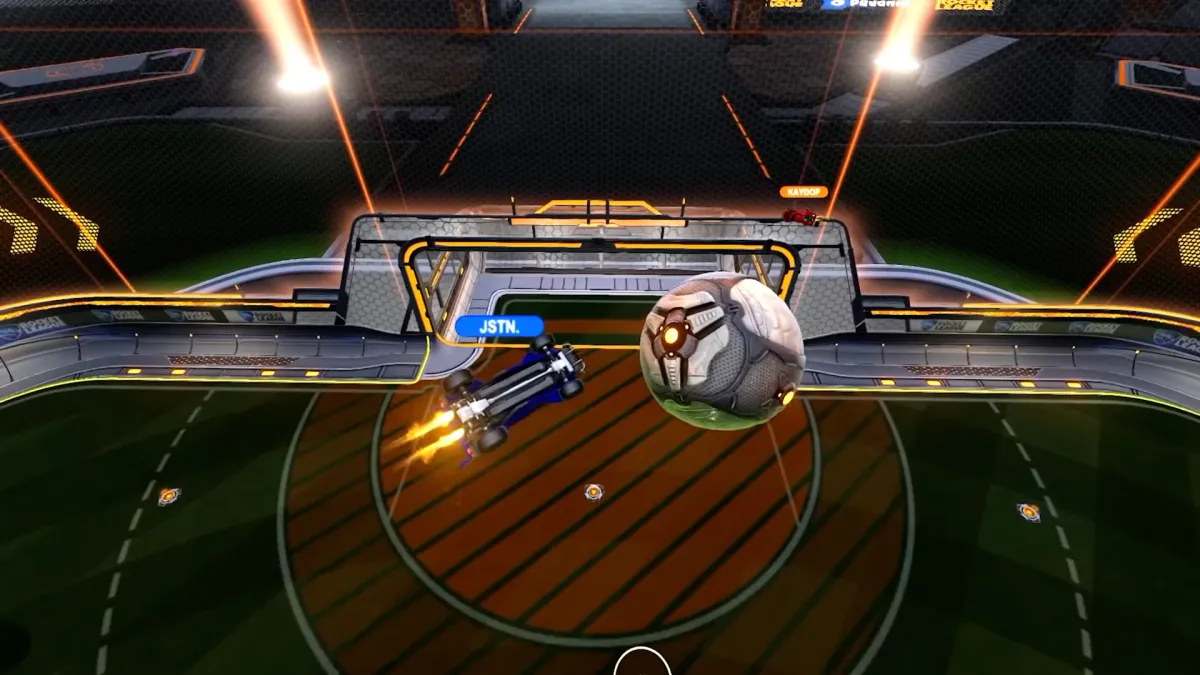 Photo: Jstn, via prod.assets.earlygamecdn.com
For Former Xbox Players: GarrettG's setup tends to feel more familiar to Xbox muscle memory, particularly his steering sensitivity (1.70) and camera stiffness (0.50) combination.
 Photo: GarrettG, via i.ytimg.com
For Players Who Used High Console Sensitivity: Arsenal's aggressive config (2.00+ steering sensitivity) can help maintain the quick response feel you're used to.
 Photo: Arsenal, via www.arsenal.com
The Psychological Reset
Here's the hardest part of the console-to-PC transition: accepting that you'll temporarily play worse. Your rank might drop 2-3 divisions while your muscle memory rebuilds. This is normal and temporary.
Many players panic during this adjustment period and constantly tweak their settings, which only prolongs the adaptation process. Pick a config setup and commit to it for at least 50 games before making adjustments.
Training Pack Translation
Your old console training routine won't work on PC. The timing differences mean your muscle memory for specific training pack scenarios is now misaligned.
Start with basic aerial and ground shot training packs to rebuild fundamental timing. Avoid complex mechanic training until your basic ball contact timing feels natural again.
Hardware Optimization for Former Console Players
If you're making the PC switch, optimize your hardware setup for the transition:
- Use a wired controller to eliminate any wireless lag variables
- Set your monitor to its highest stable refresh rate
- Disable Windows Game Mode and fullscreen optimizations
- Use exclusive fullscreen mode in Rocket League
These optimizations minimize input lag and create the most responsive environment for rebuilding your muscle memory.
The 30-Day Roadmap
Week 1: Focus only on basic ball contact and car control. Don't attempt complex mechanics.
Week 2: Gradually reintroduce aerial training and basic mechanical sequences.
Week 3: Return to ranked play with adjusted expectations. Focus on game sense over mechanical execution.
Week 4: Begin fine-tuning your config based on what feels natural after the adjustment period.
The console-to-PC transition is challenging, but players who approach it systematically typically end up with better mechanical precision than they ever had on console. The key is patience during the muscle memory rebuild process.
Your rank will recover, and the ceiling for improvement on PC is significantly higher than what console can offer.