Beyond Basic Deadzones: How Elite Players Fine-Tune Aerial Steering for Perfect Air Control
Every Rocket League player knows about deadzones. You've probably spent hours tweaking that circular or square shape, trying to find the sweet spot between responsiveness and control. But here's what most players don't realize: while you're obsessing over basic deadzone geometry, SSL players are working with a completely different variable that's been hiding in plain sight.
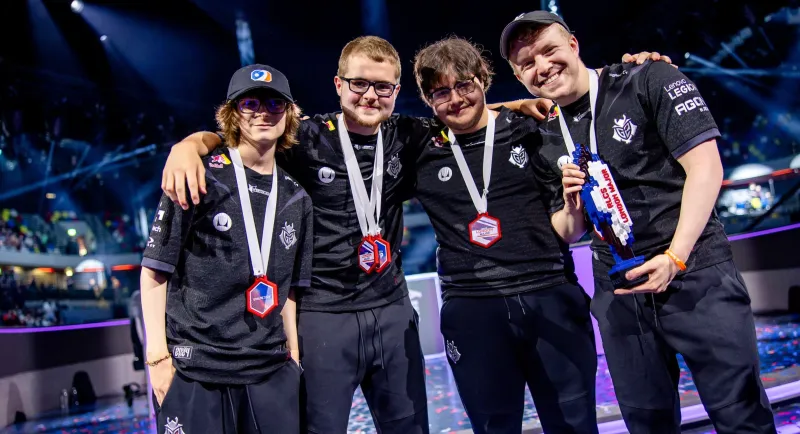
Aerial steering sensitivity isn't just another deadzone setting—it's a separate control system that governs how your car responds when you're airborne. And right now, RLCS pros like Arsenal from G2 and jstn from NRG are using this hidden variable to unlock mechanical precision that seems impossible to replicate.
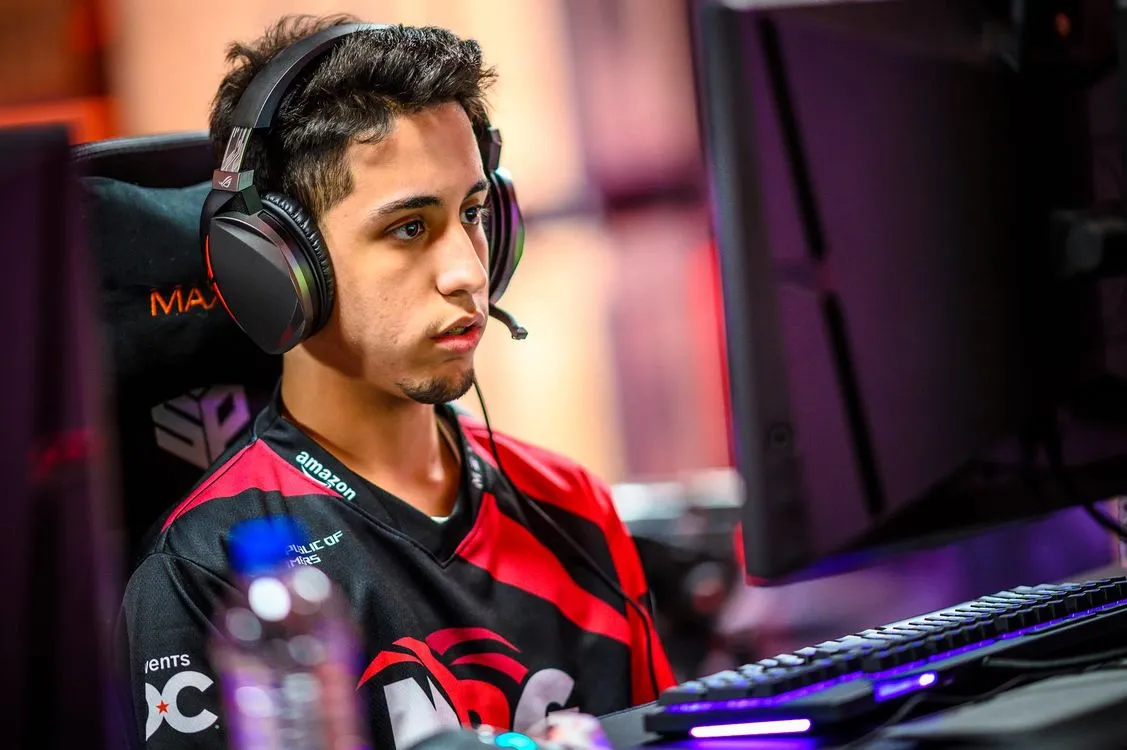 Photo: jstn, via liquipedia.net
 Photo: Arsenal, via www.arsenal.com
The Mechanical Truth About Aerial vs Ground Control
When your car is on the ground, your steering inputs follow one sensitivity curve. The moment you leave the ground, Rocket League switches to a completely different system. This isn't a bug—it's by design. Aerial steering sensitivity controls how aggressively your car responds to stick inputs during air dribbles, ceiling shots, and double taps.
Most players never touch this setting, leaving it at the default 1.0. That's a massive mistake. Here's why: ground steering needs to be smooth and predictable for dribbles and recoveries. Aerial steering needs to be precise and immediate for air roll adjustments and fine positioning.
Think about it mechanically. When you're setting up a ceiling shot, you need micro-adjustments to align your car perfectly with the ball. When you're in the middle of an air dribble sequence, you need instant response to keep the ball glued to your car. Default aerial sensitivity treats both scenarios the same way—and that's why your aerial control feels inconsistent.
How the Pros Are Actually Configuring This
After analyzing recent RLCS 2025 gameplay and cross-referencing with known pro configurations, here's what we're seeing from NA's elite:
Arsenal (G2): Running aerial steering at 1.3 with a 0.1 deadzone. This gives him the hair-trigger response needed for his signature air dribble bumps while maintaining enough stability for his ceiling shot setups.
jstn (NRG): Uses 1.2 aerial sensitivity paired with a slightly larger 0.15 deadzone. This combination gives him surgical precision on double taps without making his car twitchy during long aerial sequences.
Chronic (SSG): Goes aggressive with 1.4 aerial sensitivity and a tight 0.08 deadzone. This setup is optimized for the explosive aerial challenges that define his defensive style.
 Photo: Chronic, via www.neximcare.ca
The pattern is clear: these players aren't using one-size-fits-all settings. They're calibrating aerial sensitivity to match their specific mechanical strengths and playstyle demands.
The Self-Audit Method: Finding Your Personal Ceiling
Here's the structured approach top NA players use to dial in their aerial sensitivity:
Phase 1: Baseline Testing
Start in free play with your current settings. Spend 5 minutes doing basic air dribbles from the wall. Pay attention to:
- How many micro-corrections you need to keep the ball close
- Whether your car feels "laggy" or "twitchy" during adjustments
- If you're consistently over-correcting or under-correcting
Phase 2: Sensitivity Scaling
Increase your aerial steering sensitivity by 0.1 increments. Test each setting for exactly 3 minutes using the same air dribble routine. Document:
- Point where the car starts feeling too responsive
- Sweet spot where adjustments feel natural
- Settings where you lose control during fast sequences
Phase 3: Deadzone Pairing
Once you find your optimal sensitivity range, adjust your aerial deadzone to complement it:
- Higher sensitivity = slightly larger deadzone for stability
- Lower sensitivity = tighter deadzone for maximum input registration
Phase 4: Match Pressure Testing
Take your new settings into 1v1 ranked matches. Aerial mechanics perform differently under pressure, and you need to verify your settings work when it matters.
Why Most Players Have This Completely Wrong
The biggest mistake we see is players trying to use the same sensitivity philosophy for ground and aerial control. They'll run high ground sensitivity for quick flicks, then wonder why their aerial control feels erratic. Or they'll optimize for smooth aerial flow, then struggle with ground-based mechanical speed.
SSL players understand these are separate systems requiring separate optimization. They'll run moderate ground sensitivity for consistent dribbling, then crank aerial sensitivity higher for precise air control. This isn't contradictory—it's mechanical intelligence.
Another common error: copying pro settings without understanding the reasoning. Arsenal's 1.3 aerial sensitivity works for him because his playstyle demands instant aerial adjustments. If you're a more defensive player who values aerial stability over aggressive air dribbles, his settings might actually hurt your performance.
The Training Framework That Actually Works
Once you've found your baseline settings, use this progression to internalize the new sensitivity:
Week 1: Basic air dribble consistency from the wall. Focus on keeping the ball close without over-correcting.
Week 2: Add ceiling shots to your routine. The inverted car orientation will test whether your sensitivity works from multiple angles.
Week 3: Practice double tap setups. This mechanic requires both gross motor control (getting to the ball) and fine motor control (precise contact).
Week 4: Integrate into live matches. Start with casual 3v3, then move to ranked once the settings feel natural.
Remember: changing aerial sensitivity affects muscle memory. Give yourself at least 20 hours of gameplay before deciding if new settings are working.
The SSL Difference
Here's what separates SSL players from everyone else when it comes to aerial sensitivity: they treat it as a performance optimization tool, not a comfort setting. They're willing to endure temporary mechanical inconsistency to unlock higher mechanical ceilings.
Most Diamond and Champ players optimize for immediate comfort. SSL players optimize for maximum potential, even if it means struggling for a few days while their muscle memory adapts.
That mindset difference—treating settings as performance tools rather than comfort blankets—is exactly why they continue climbing while others plateau.
Stop tweaking your basic deadzones and start thinking about aerial steering sensitivity as a separate system. Your mechanical ceiling is probably higher than you think—you just need the right settings to reach it.