Mute the Soundtrack, Hear the Game: Building an Audio Cue Hierarchy Like an RLCS Pro
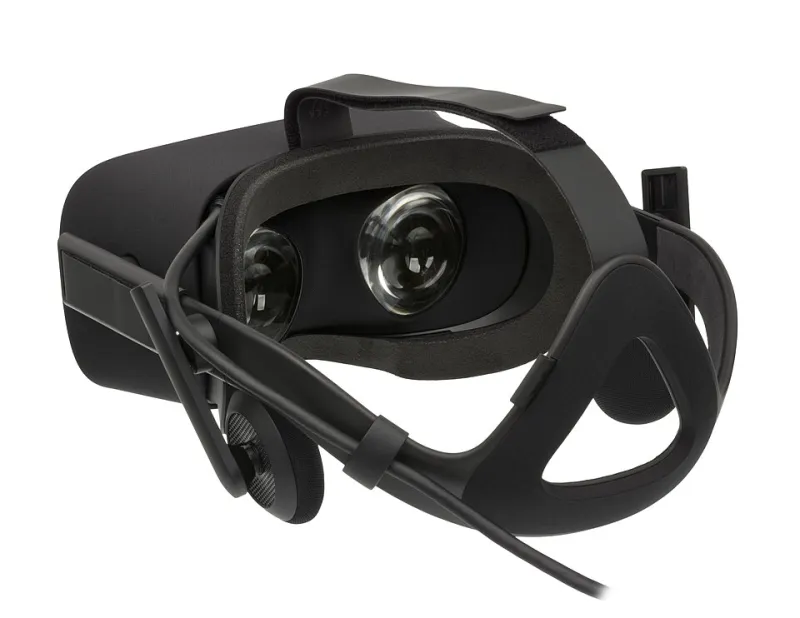
Photo: Evan-Amos, Public domain, via Wikimedia Commons
Open a pro's stream during a ranked block and one thing stands out immediately: it's quiet. No soundtrack, no announcer screaming about a save, no crowd noise. Just boost, tires, and the occasional explosion.
That's not a flex. It's a mix decision. Rocket League gives you a second information channel for free — sound — and most players drown it in music they stopped noticing an hour ago. Pros mute the noise because the audio channel is load-bearing. Here's what they're listening for, and how to build the same hierarchy on your own setup.
Why the Soundtrack Goes to Zero
Rocket League's sound design is genuinely good, and that's the problem. The music is mixed loud and sits right in the frequency range where ball contact and boost pickup live. You don't consciously hear it anymore, but it's still masking things. Turning it off doesn't make you hear more — it makes you hear specific things.
Pros generally run music at zero and announcer at zero or near-zero. The announcer is worse than the music in one respect: it's reactive, so it fires during the exact moments you're trying to process. A 'what a save' line lands in the middle of your recovery window.
Some players keep a small amount of ambience for LAN feel — the crowd swell on a big hit is genuinely useful in a stadium, less so in your bedroom. Treat it as flavor, not information.
The Sounds That Actually Drive Rotations
Here's the short list, ranked by how often a pro's next decision is triggered by it:
1. Boost pickup. The rising tone when someone grabs a big pad is directional and unmistakable. Hear it behind you and you know a defender just refilled — your window to press has narrowed. Hear it in front and you know the third man is topped up and can support. This is the single highest-value audio cue in ranked.
2. Demo pressure. The explosion itself tells you almost nothing; the absence of a car does. Pros listen for the explosion and immediately count bodies. If a teammate just got demoed, someone has to cover, and that decision should be pre-loaded before you look at the minimap.
3. Aerial approach. Boost whoosh plus the double-jump thump tells you an opponent is going up, often before their car visibly leaves the frame. On a bad camera angle, that sound is your only early warning on a challenge from behind.
4. Wall and ceiling contact. A dull thud from behind your camera means the ball just left the wall and is coming across. Players who play on high camera distances catch this visually a beat later.
5. Tire and landing sounds. Small, but they tell you whether the opponent kept momentum after a hit or came to a dead stop. Dead stop means they can't follow up.
A Ranked-Ready Audio Setup
Start here, then tune. Slider names in-game vary slightly by platform, but the intent holds.
| Slider | Recommended | Why |
|---|---|---|
| Master Volume | 70–85 | Leaves headroom so you can push effects without clipping |
| Music | 0 | Masks ball contact and boost tones |
| Announcer | 0–2 | Reactive commentary fires exactly when you're processing |
| Ambience / Crowd | 3–6 | Adds depth without eating cue clarity |
| SFX / Effects | Max | Everything useful lives here |
| Voice Chat | Comfortable | Never sacrifice comms for effects |
If your platform supports per-app audio mixing, run the game at a slightly higher system volume and drop everything else — browser tabs, Discord pings, music apps — well below it.
Headset Notes From a Setup Perspective
Stereo, not virtual surround. Virtual surround processing smears transients, and transients are exactly what you're listening for. A plain stereo image with a clean center is more accurate for direction than a simulated 7.1 field.
Closed-back headphones are the move for ranked — isolation lets you run a lower overall volume and still catch quiet cues, which is easier on your ears over a three-hour session. Skip the heavy bass boost presets. A flat or mildly warm curve keeps the mid-range contact sounds readable, and those are the ones that matter.
One thing that's genuinely worth money: a headset with a stable wireless connection or a wired set. Audio dropouts during a challenge are not a skill issue, they're a hardware issue, and they'll teach you bad habits fast.
Listening Drills
You can't build a cue hierarchy you've never consciously noticed. These four drills fix that in about fifteen minutes a day.
The Boost Radar (5 minutes, freeplay with a friend or bot). Eyes on the ball only. Every time you hear a big-pad pickup, call out who got it and where. You'll be startled at how much you already knew subconsciously and never used.
The Sound-Only Replay (5 minutes). Watch one of your own replays with the monitor brightness down or your eyes off the screen. Call the play out loud: challenge coming, ball off the wall, teammate caught out. This is the closest thing to a film-room session that Rocket League offers.
Demo Counting (3 minutes, 3v3). Every time you hear an explosion, count cars on the field before you look at the minimap. If the count is short, rotate now instead of after the visual confirms it.
The Blind Approach (2 minutes, 1v1). Play one full possession with the camera pulled back slightly and your attention on the audio mix rather than the car. Notice how early the aerial thump arrives relative to the visible jump.
Build Your Own Hierarchy
The mistake amateur players make is trying to hear everything. Pros hear one thing at a time, ranked by reaction value: boost pickup, then demo, then aerial approach, then wall contact. Everything else is background.
Write your four down. Tape them to the monitor for a week. When one becomes automatic, promote the next one up.
The One Thing You Should Never Mute
Your teammate. No audio hierarchy is worth losing comms over, and the best cue in the game is still a human saying 'I'm back, go.' Mix around the person, not the sound design.