Your Internet Is Lying to You: The Network Problems Faking Bad Mechanics in Ranked Rocket League
Let's set the scene. You've spent weeks dialing in your deadzone settings. Your camera FOV is locked. You've put in real hours on flip resets and speed flips in training packs. Then you queue ranked, and something just feels... wrong. Your aerials feel sluggish. Your car doesn't respond the way it did in free play. You whiff a shot you've hit a thousand times.
 Photo: Rocket League, via cdn2.unrealengine.com
You blame your controller. You start tweaking settings. Maybe you watch a ProSettings breakdown and start second-guessing everything.
Stop. Before you touch a single config, check your network.
Packet loss and network instability are the most underdiagnosed performance killers in competitive Rocket League — and they're dramatically more common in 2025 than most NA players want to admit.
What Packet Loss Actually Does to Your Game
Rocket League runs on a client-server model where your inputs are continuously sent to Psyonix's servers and the game state is continuously sent back to your client. When everything works, this happens fast enough that the game feels perfectly responsive. When it doesn't, things get weird in ways that are genuinely hard to distinguish from mechanical errors.
Here's what's actually happening when you experience packet loss during a ranked match:
Input delay that isn't your controller. Your boost press, your jump timing, your dodge — these inputs are queued on your client and sent to the server. If packets drop between your machine and the server, those inputs arrive late or not at all. The result feels identical to controller input lag, but no amount of deadzone tweaking will fix it.
Aerial response inconsistency. This one gets players the most. You're mid-air, making an adjustment, and your car seems to hesitate or drift slightly off your intended path. That's the server receiving your input a few milliseconds late and interpolating your car's position to compensate. It's not your air roll settings. It's your connection.
Phantom physics. Ball bounces and car collisions that don't match what you're seeing on screen are a classic symptom of high ping variance. Your client is predicting physics locally, and when the server corrects those predictions, you see the ball teleport or your car snap to a different position.
How Widespread Is This Problem in 2025?
More than people acknowledge. Psyonix has been gradually shifting server infrastructure, and some regions — particularly in the central and southeastern US — have seen degraded server consistency in 2025. The Epic Games backend that Rocket League runs on has had documented stability issues affecting competitive queues.
 Photo: Epic Games, via mir-s3-cdn-cf.behance.net
Beyond server-side problems, the issue is often on the player's end. ISPs in the US have been dealing with increased traffic loads, and the cable infrastructure that most Americans rely on is particularly susceptible to packet loss during peak evening hours — exactly when most people queue ranked.
Wi-Fi is the obvious culprit everyone mentions, but the less obvious ones are coaxial cable degradation, overloaded routers, and ISP-level congestion that no amount of router settings will fix.
The Diagnostic Checklist
Before you can fix anything, you need to know what you're actually dealing with. Here's a practical process:
Step 1: In-game network stats Rocket League has a built-in network performance display. Enable it in settings (Interface → Performance Graphs) and watch it during a ranked session. You're looking for:
- Ping consistently above 60ms (for NA servers)
- Ping variance greater than 20ms between readings
- Any packet loss percentage above 0%
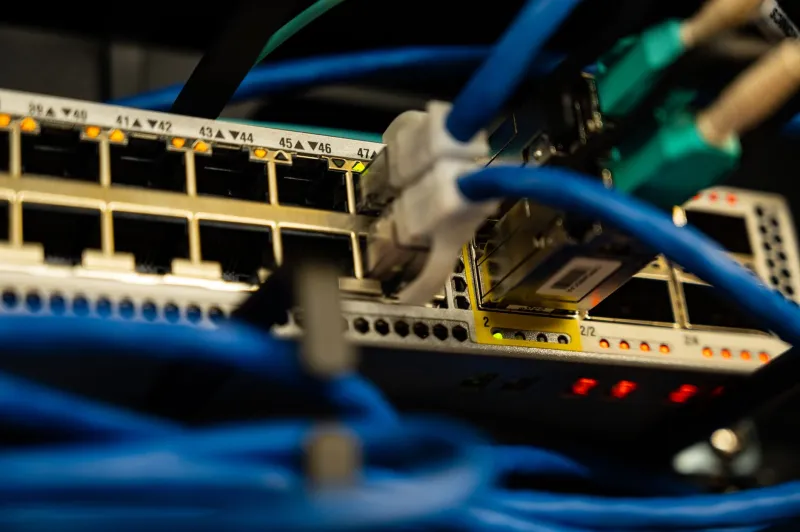
Step 2: PathPing and WinMTR (Windows) These tools trace your connection hop-by-hop to Psyonix's servers and show you exactly where packets are dropping. Run WinMTR targeting Psyonix's server IPs (findable via community resources and the RL subreddit) for 15 minutes during peak hours. If you're seeing loss at a middle hop that isn't the final destination, that's your ISP's infrastructure dropping packets.
Step 3: Wired vs. Wireless comparison If you're on Wi-Fi, plug in an ethernet cable and run the same test. If your numbers improve dramatically, you have your answer. 5GHz Wi-Fi feels fast but is far more susceptible to interference and packet loss than a wired connection.
Step 4: Router and modem isolation Plug your PC or console directly into your modem, bypassing your router entirely. If your connection improves, your router is introducing latency or packet loss. Consumer routers — especially ISP-provided ones — are frequently the culprit.
Practical Fixes That Actually Work
Go wired, full stop. This is non-negotiable for competitive play. A $15 ethernet cable from your PC to your router is the single highest-value hardware upgrade you can make for Rocket League. Not a new controller. Not a gaming router. A cable.
Enable QoS on your router. Quality of Service settings let you prioritize gaming traffic over other devices on your network. On most modern routers, you can assign your gaming PC or console the highest traffic priority. This won't fix ISP-level congestion, but it prevents your roommate's Netflix stream from stealing bandwidth during your ranked session.
Use a gaming VPN selectively. Services like Exitlag or Mudfish route your connection through optimized paths to game servers. They're not magic, but for players in regions with poor routing to Psyonix servers, they can reduce ping variance meaningfully. Trial versions let you test before committing.
Contact your ISP with data. If WinMTR shows consistent packet loss at a hop within your ISP's network, that's documented evidence you can use when calling them. ISPs are required to investigate network issues reported with evidence. It's tedious, but it works.
Match server selection. In Rocket League's settings, you can see which servers you're connecting to. If you're in the Midwest and consistently getting routed to US-East or US-West instead of US-Central, that's adding unnecessary latency. Community tools can help you force preferred server regions.
The Mechanical Confidence Problem
Here's the part nobody talks about. Inconsistent network conditions don't just affect your in-game performance — they erode your mechanical confidence over time. When you can't trust that your inputs will be reflected consistently on screen, you start second-guessing your timing. You hesitate on shots you should take. You develop slightly conservative habits to compensate for a connection you've unconsciously learned not to trust.
Fixing your network doesn't just improve your current session. It lets you rebuild the mechanical confidence that inconsistent connections have slowly worn down.
Check your connection before you change anything else. Your config might be fine. Your internet might not be.