The Deadzone Delusion: How Hall Effect Sticks Are Rewriting Pro Settings in 2026
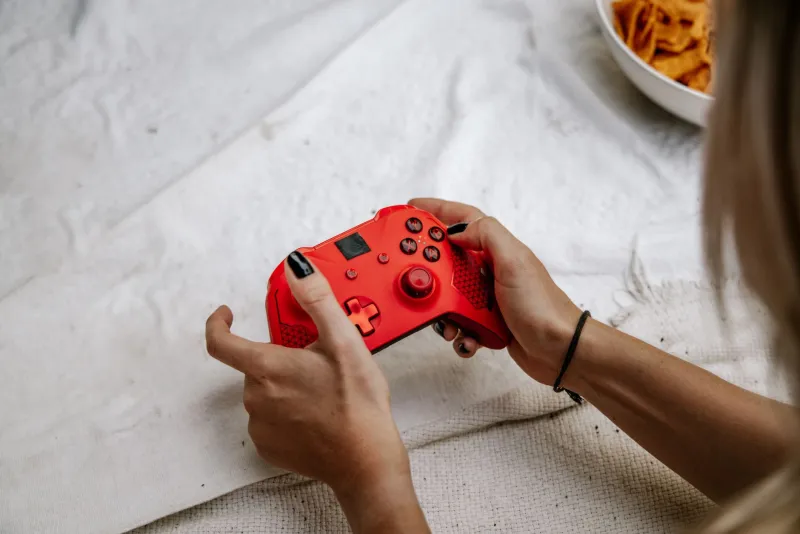
Photo: Hall effect thumbstick controller Rocket League gaming, via i1.wp.com
The Stick Drift Problem
If you've played Rocket League for more than a year on a stock controller, you've probably experienced stick drift. Your car slowly creeps to the left when you're not touching the stick. Your camera spins during kickoffs. You crank your deadzone up to 0.15 just to make it stop—and suddenly your micro-adjustments feel sluggish.
For years, this was just part of the controller lifecycle. You bought a new pad every 8–12 months. But in 2025 and 2026, a new technology started showing up in pro setups: Hall effect and TMR thumbsticks.
Unlike traditional potentiometer sticks, which rely on physical contacts that wear down over time, Hall effect sticks use magnetic sensors. No contact, no wear, no drift. TMR (Tunnel Magnetoresistance) is a newer variant that's even more precise and power-efficient.
Several RLCS 2026 pros have already made the switch—some using custom-modified DualSense controllers, others on third-party pads like the GameSir G7 or the 8BitDo Ultimate. And it's changing the way they tune their settings.
Why Hall Effect Changes Deadzone Math
Deadzone is the amount you have to move your stick before the game registers input. Lower deadzone = more responsive, but also more risk of drift-induced movement. With traditional sticks, pros usually settle around 0.07–0.10 to balance responsiveness and stability.
With Hall effect sticks, the centering is consistent. There's no physical wear, so the stick returns to the exact same position every time. That means you can safely drop your deadzone to 0.03–0.05 without introducing drift.
But here's the catch: lower deadzone isn't automatically better. A super-low deadzone amplifies every tiny twitch in your thumb. If you don't have excellent stick control, you'll overshoot aerials and accidentally flip during dribbles. The pros who run 0.05 deadzones have spent years developing fine motor control.
Dodge Deadzone and Input Curves
Dodge deadzone—the threshold that determines when a directional flip becomes a dodge—also behaves differently with Hall effect sticks. Because the stick reads more consistently, you can often lower your dodge deadzone from 0.70 to 0.60 without getting accidental flips. That gives you faster wave dashes and more responsive recoveries.
Input curves (also called "deadzone shape") are another lever. Many third-party Hall effect controllers let you choose between a cross, square, or circle deadzone shape. A cross-shaped deadzone (available on DualSense Edge and some GameSir models) is popular among pros because it gives you finer diagonal control while keeping cardinal directions stable. It's subtle, but it makes a difference in dribbling and aerial micro-adjustments.
What US Players Should Actually Buy
You don't need to spend $200 on a custom controller to get Hall effect sticks. Here are three options that won't break the bank:
1. GameSir G7 SE ($45–55) — Wired, Hall effect sticks, and a solid build quality. It's become a budget favorite among NA ranked warriors. The software lets you adjust deadzone and input curves, which is rare at this price.
2. 8BitDo Ultimate Bluetooth ($60–70) — Hall effect sticks, wireless, and compatible with PC. The back paddles are a bonus if you want to experiment with different bindings.
3. DualSense Edge ($199) — Not Hall effect out of the box, but Sony sells replacement stick modules. If you already own a DualSense, this is the most seamless upgrade. You can also send it to a modder to install Hall effect sticks for around $80.
If you're a serious grinder, the GameSir G7 SE is the best value. If you're a tinkerer, the DualSense Edge gives you the most flexibility.
How to Recalibrate After Switching
Switching to Hall effect sticks isn't plug-and-play. Your muscle memory is calibrated to your old controller's response curve. Here's a three-step recalibration process:
Step 1: Reset to defaults. Set your deadzone to 0.10, dodge deadzone to 0.70, and aerial sensitivity to 1.20. Play 30 minutes of Freeplay and casual matches. This gives you a baseline.
Step 2: Lower deadzone gradually. Drop to 0.08, then 0.06, then 0.04. After each drop, run the "Dribbling Challenge #2" workshop map for 5 minutes. If you're consistently overshooting touches, go back up one step.
Step 3: Tune dodge deadzone. Once you're comfortable with your deadzone, try lowering dodge deadzone by 0.05 increments. Test in 1v1s—if you're getting accidental flips when trying to wave dash, bump it back up.
The Bottom Line
Hall effect sticks are a genuine upgrade for competitive Rocket League. They eliminate drift, improve consistency, and let you run lower deadzones—if your thumbs are ready. But don't fall into the trap of thinking a new controller will magically fix your mechanics. It won't.
What it will do is remove a variable. And in a game where consistency is everything, that's worth the investment.